
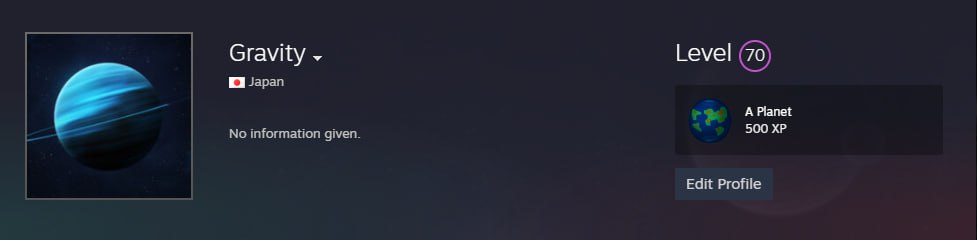
Click on the link and send the skin you want to sell, as a gift to the " Gravity " account. When accepting the trade via mobile, please be careful that the account to which the skin is sent, is registered on July 10th, 2017, and the accounts level is 70.
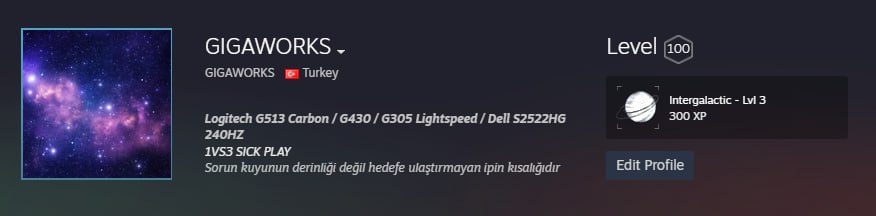
Click on the link and send the skin you want to sell, as a gift to the "GIGAWORKS" account. When accepting the trade via mobile, please be careful that the account to which the skin is sent, is registered on August 20th, 2007, and the accounts level is 100.
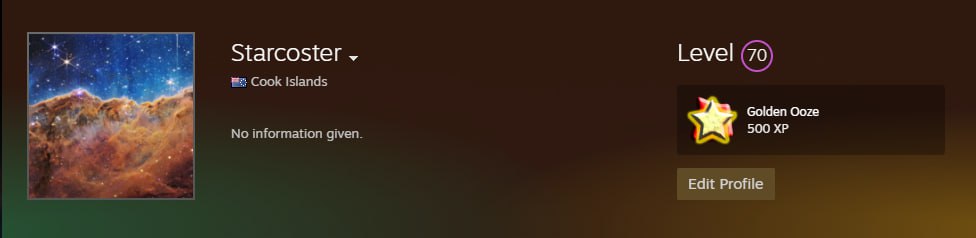
Click on the link and send the skin you want to sell, as a gift to the " Starcoster " account. When accepting the trade via mobile, please be careful that the account to which the skin is sent, is registered on January 17th, 2021, and the accounts level is 70.
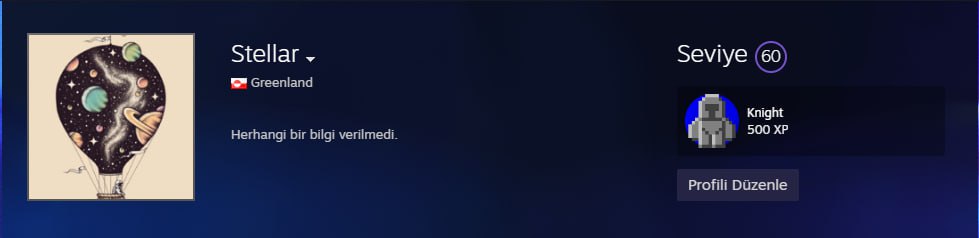
Click on the link and send the skin you want to sell, as a gift to the " Stellar " account. When accepting the trade via mobile, please be careful that the account to which the skin is sent, is registered on January 16th, 2021, and the accounts level is 60.
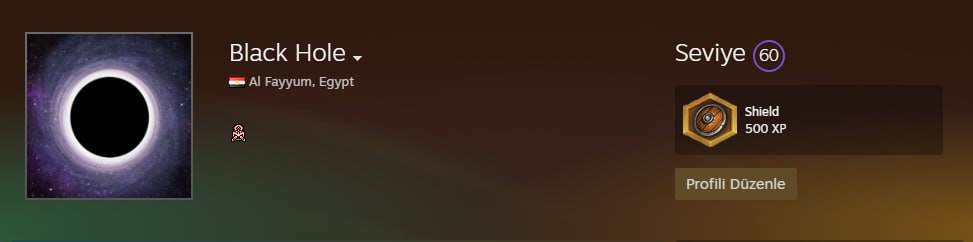
Click on the link and send the skin you want to sell, as a gift to the " Black Hole " account. When accepting the trade via mobile, please be careful that the account to which the skin is sent, is registered on January 10th, 2021, and the accounts level is 60.
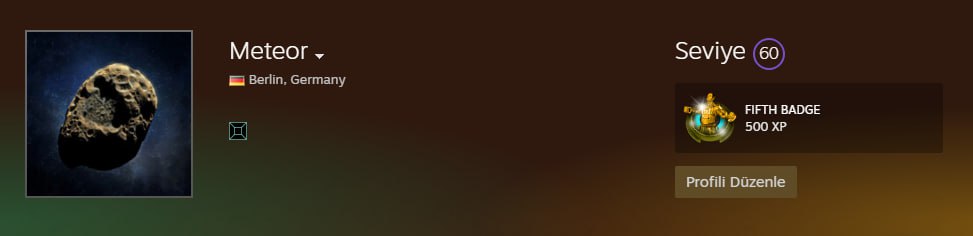
Click on the link and send the skin you want to sell, as a gift to the " Meteor " account. When accepting the trade via mobile, please be careful that the account to which the skin is sent, is registered on January 10th, 2021, and the accounts level is 60.
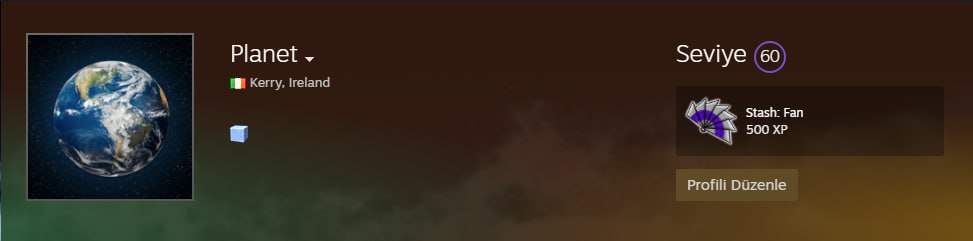
Click on the link and send the skin you want to sell, as a gift to the " Planet " account. When accepting the trade via mobile, please be careful that the account to which the skin is sent, is registered on January 16th, 2021, and the accounts level is 60.
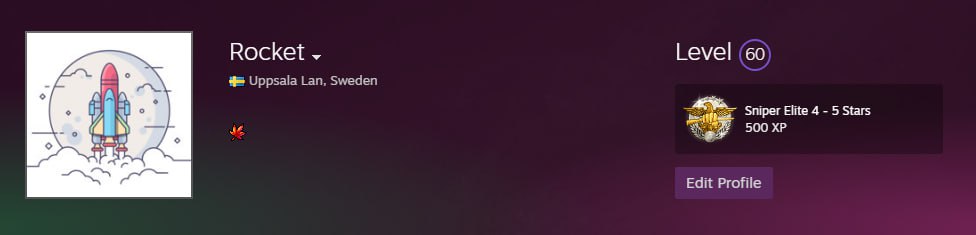
Click on the link and send the skin you want to sell, as a gift to the " Rocket " account. When accepting the trade via mobile, please be careful that the account to which the skin is sent, is registered on January 10th, 2021, and the accounts level is 60.
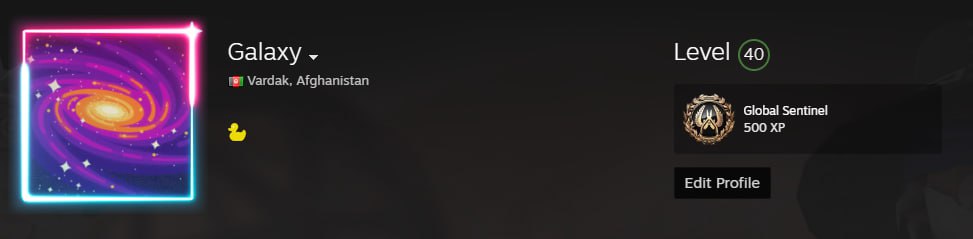
Click on the link and send the skin you want to sell, as a gift to the " Galaxy " account. When accepting the trade via mobile, please be careful that the account to which the skin is sent, is registered on January 16th, 2021, and the accounts level is 40.
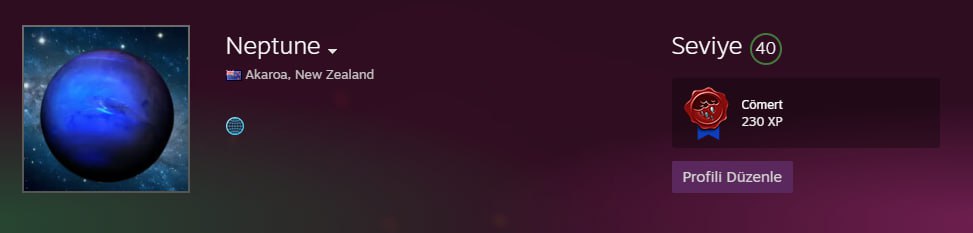
Click on the link and send the skin you want to sell, as a gift to the " Neptune " account. When accepting the trade via mobile, please be careful that the account to which the skin is sent, is registered on January 16th, 2021, and the accounts level is 40.
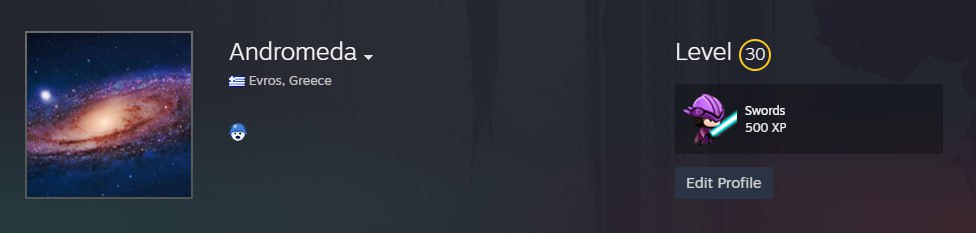
Click on the link and send the skin you want to sell, as a gift to the " Andromeda " account. When accepting the trade via mobile, please be careful that the account to which the skin is sent, is registered on August 21th, 2024, and the accounts level is 30.
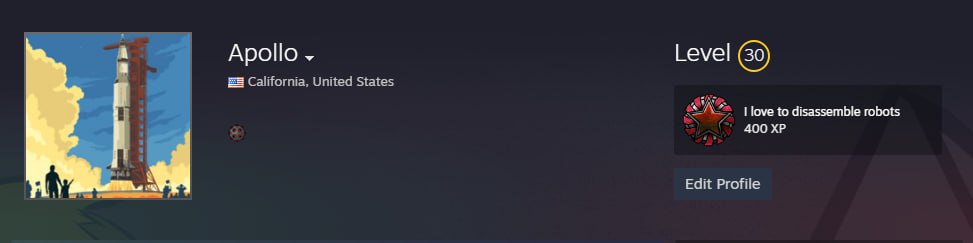
Click on the link and send the skin you want to sell, as a gift to the " Apollo " account. When accepting the trade via mobile, please be careful that the account to which the skin is sent, is registered on August 21th, 2024, and the accounts level is 30.
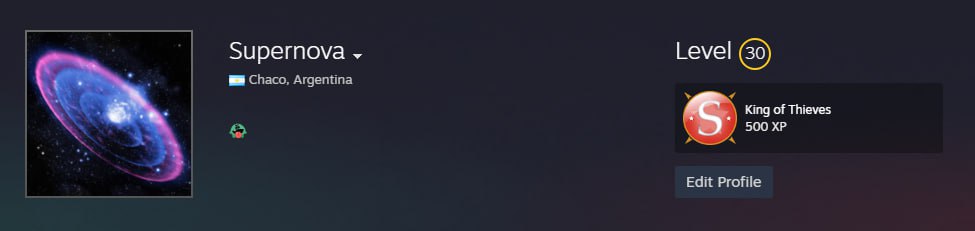
Click on the link and send the skin you want to sell, as a gift to the " Supernova " account. When accepting the trade via mobile, please be careful that the account to which the skin is sent, is registered on August 21th, 2024, and the accounts level is 30.
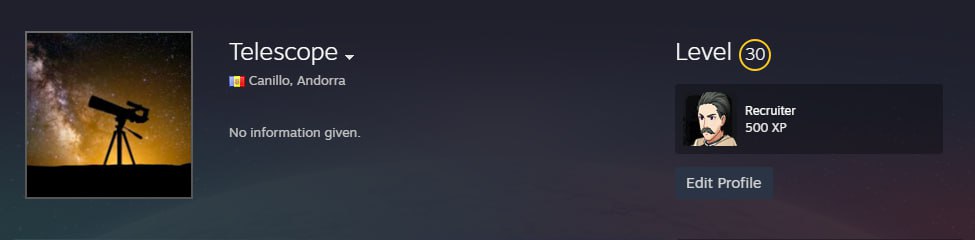
Click on the link and send the skin you want to sell, as a gift to the " Telescope " account. When accepting the trade via mobile, please be careful that the account to which the skin is sent, is registered on August 21th, 2024, and the accounts level is 30.
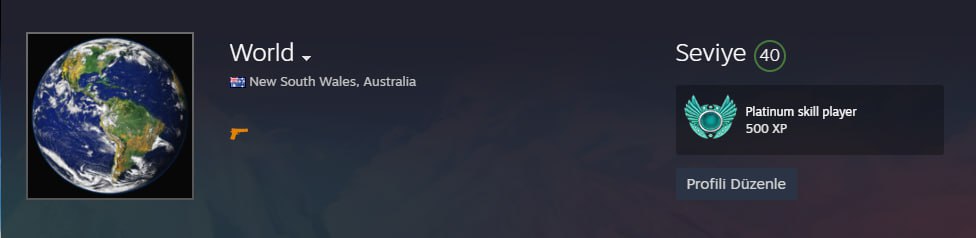
Click on the link and send the skin you want to sell, as a gift to the " World " account. When accepting the trade via mobile, please be careful that the account to which the skin is sent, is registered on January 17th, 2021, and the accounts level is 40.
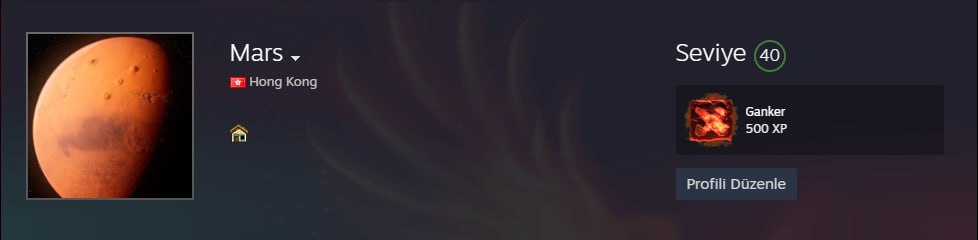
Click on the link and send the skin you want to sell, as a gift to the " Mars " account. When accepting the trade via mobile, please be careful that the account to which the skin is sent, is registered on January 16th, 2021, and the accounts level is 40.
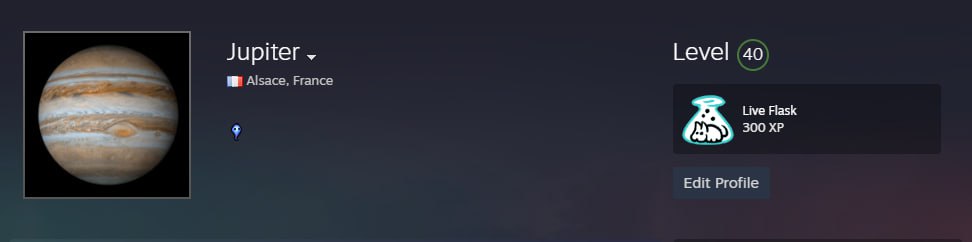
Click on the link and send the skin you want to sell, as a gift to the " Jupiter " account. When accepting the trade via mobile, please be careful that the account to which the skin is sent, is registered on January 16th, 2021, and the accounts level is 40.
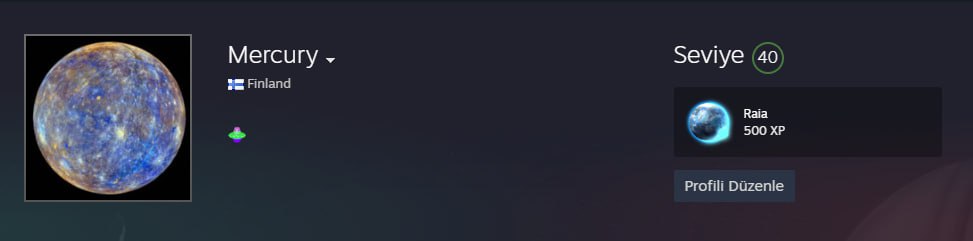
Click on the link and send the skin you want to sell, as a gift to the "Mercury" account. When accepting the trade via mobile, please be careful that the account to which the skin is sent, is registered on January 10th, 2021, and the accounts level is 40.
ByNoGame does NOT send you a trade offer. If you receive a trade offer, DO NOT ACCEPT it.
When you use the "Sell to Us" feature and accept the price, the skin is not automatically taken from your inventory; YOU must SEND the TRADE to us.
Transaction completed!
We thank you.!
Your BizeSat transaction is complete, but the amount of ${total.toFixed(0)} TL will be added to your wallet after 7+1 days.
Transaction Cancelled
You can start a new Selling process below or continue to Shopping.
/1758194048591.png)
Meet Auto Trader! Let it handle deliveries in CS2
/1758194176759.png)
/1758194420327.png)
Automatic Delivery
/1758194157728.png)
/1758194193418.png)
Support your favorite streamers with ByNoGame!
Read the latest news from the gaming world.
About us, careers and more here.
All the information you need is here.


As ByNoGame Bilişim LTD., we use cookies to improve your site visit and shopping experience in compliance with legal regulations. You can Reject them by selecting the reject option. For more detailed information, you can visit our Privacy Notice and Personal Data Protection Law pages.

